Brand centre
The Sitenet brand
Logo, colour, type and templates.
Everything you need to show Sitenet correctly: the logo and its living globe, our colours and type, illustrations, ready-made templates and the rules that keep them consistent. Take the whole kit or just the file you need.

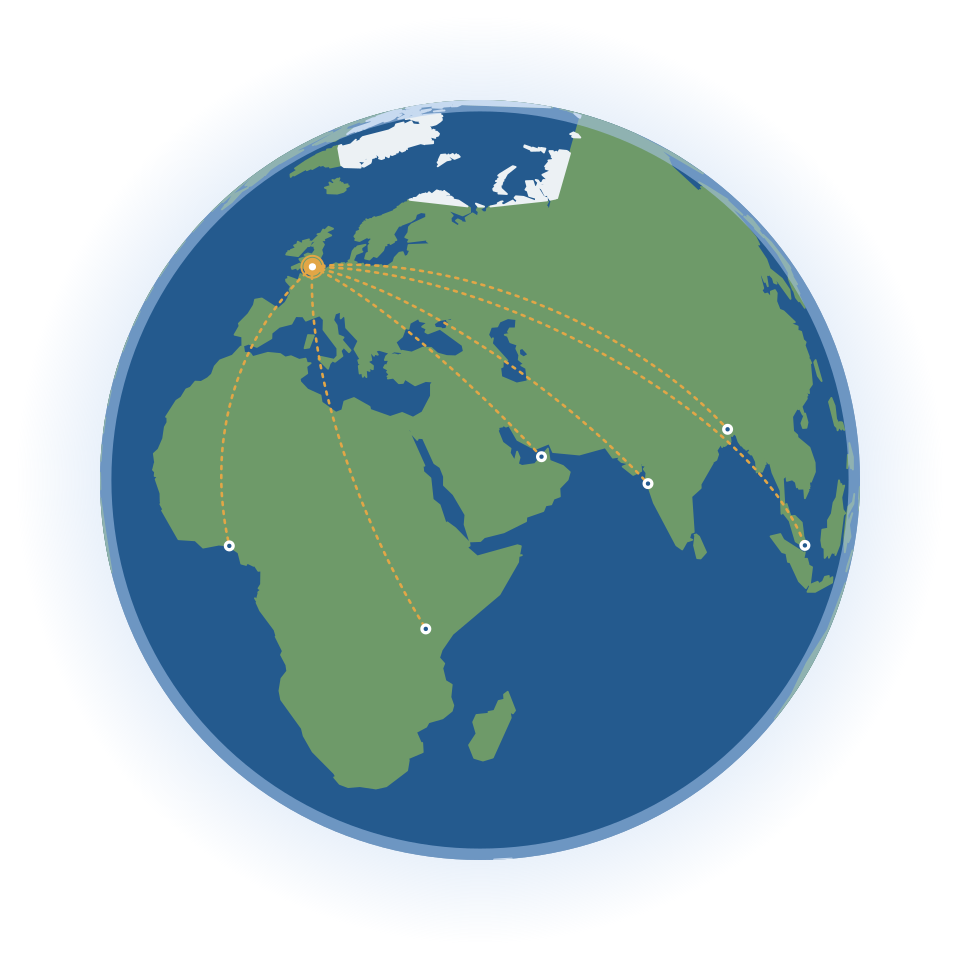
- Day
- Afternoon
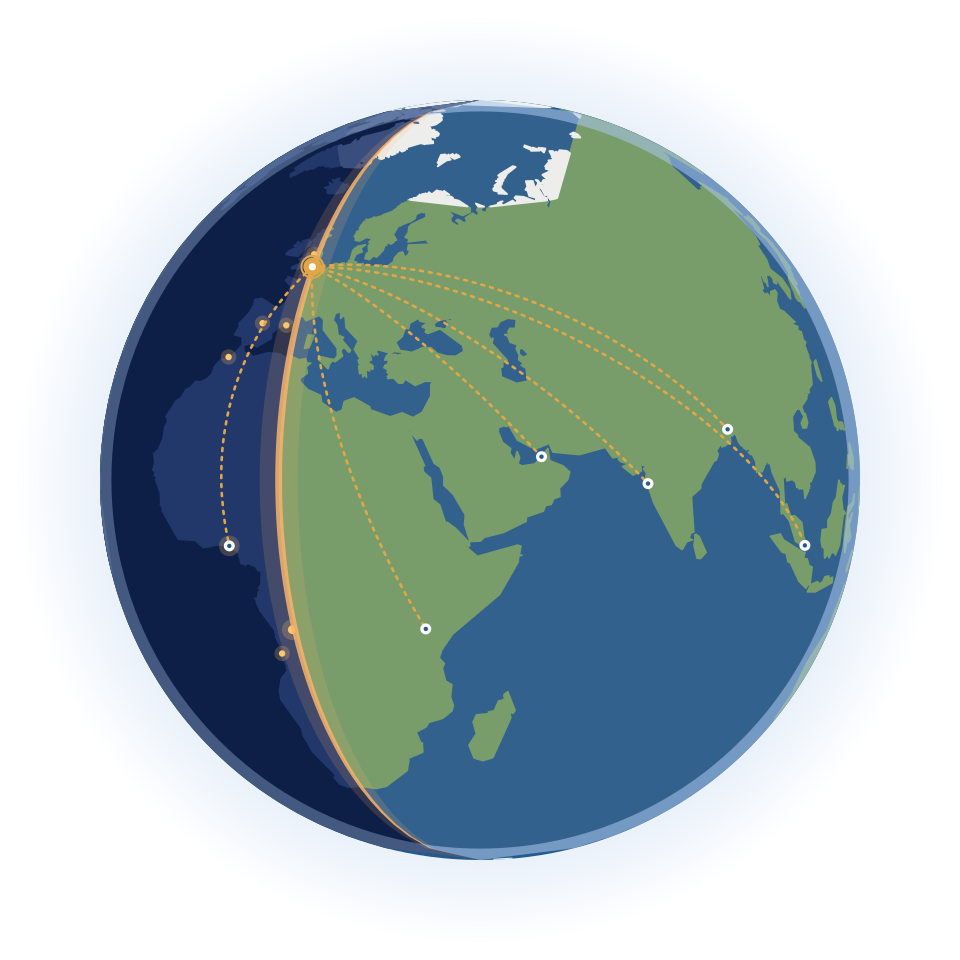
- Dusk
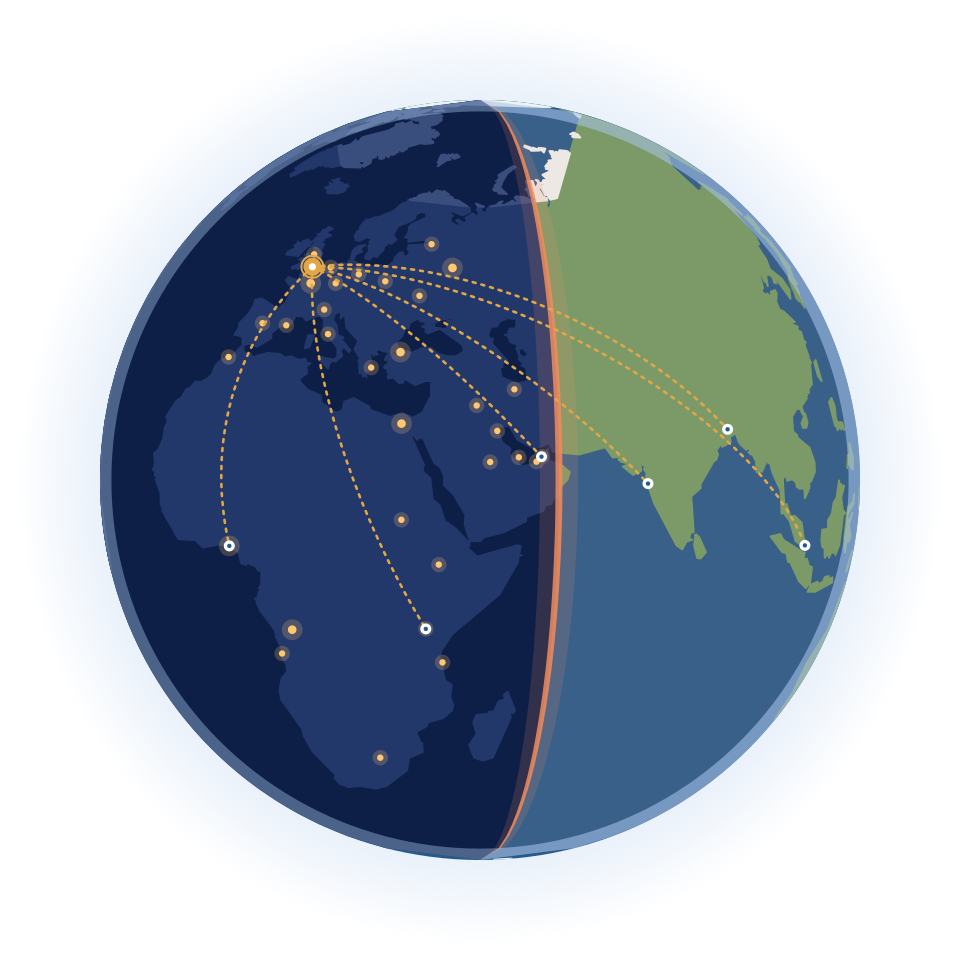
- Night
The globe follows each visitor’s local time.
The logo
A line cube for structure, the living globe for reach, and custom lettering. Each detail is drawn on one system, so use the files as they are.

Line cube
A hexagon and the cube’s three inner edges, drawn with the same pen as the letters.
Living globe
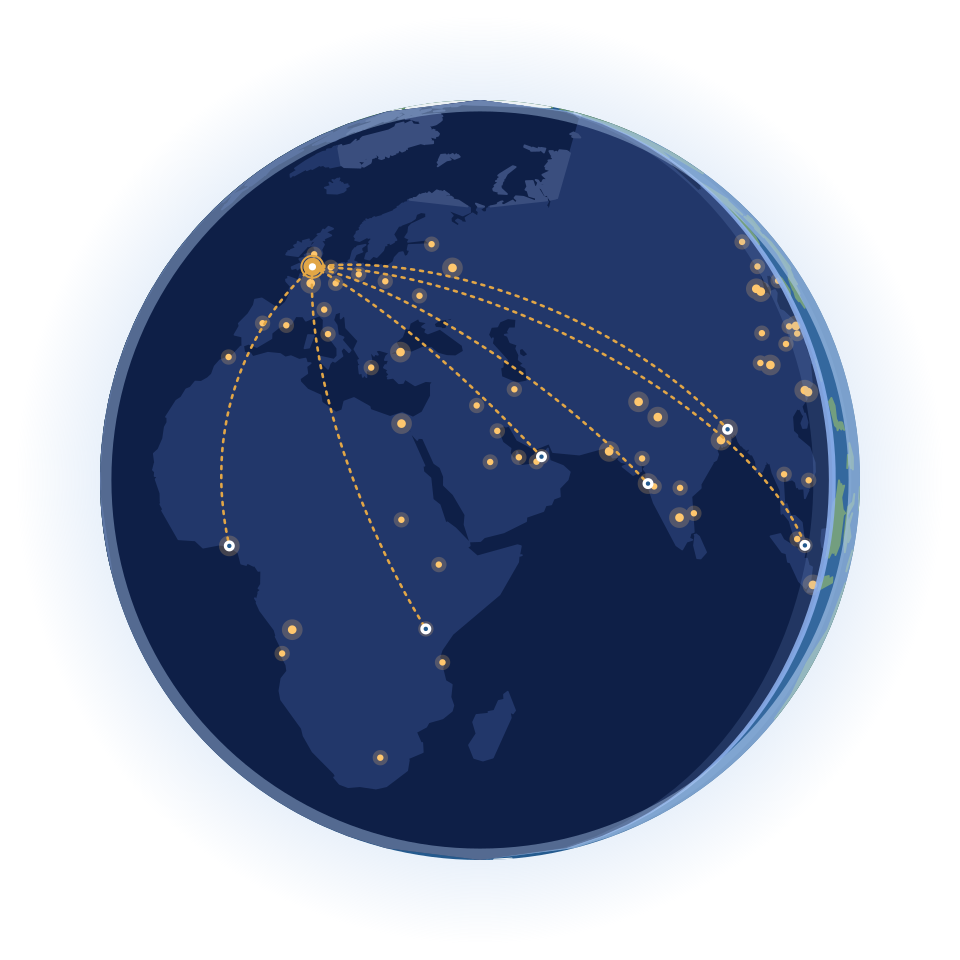
The real Earth, turning once every 20 seconds and lit for the visitor’s time of day.
Wordmark
Custom lettering, drawn from circles, arcs and lines. Never retype it in a font.
The light
The i-dot is the logo’s light source: sun gold by day, city-light amber at night.
Versions
Horizontal logo
The primary logo. Use it wherever it fits.
Stacked logo
For square or narrow spaces.

Icon
Only where the brand is already clear: apps, avatars, favicons.

Wordmark
The lettering on its own. Never retype it in a font.
Colours
Full colour
On white and light backgrounds
Reversed
On dark backgrounds

Single colour, Deep Ocean
One-colour print

Single colour, black
Fax, newsprint, stamps

Single colour, white
Mid-tones, engraving, embroidery
- The stacked logo, icon and wordmark also come reversed, and the icon in single colour too, along with favicons and app icons. They are all in the brand kit.
The living globe
On screen the globe turns once every 20 seconds and shows the version for the visitor’s local time. Visitors who ask for reduced motion see it still. Print, documents and social media use the static Day logo.

Day
07:00 to 16:00
i-dot: Sun Gold #E2A646

Afternoon
16:00 to 18:00
i-dot: Low Sun #E8913C

Dusk
18:00 to 20:00 and 05:00 to 07:00
i-dot: Sunset #DE6F4E

Night
20:00 to 05:00
i-dot: City Light #E9B04F
Rules
- Keep the static Day logo in the page’s HTML: it is the default if the script or the animation cannot run.
- Never speed up, reverse or pause the globe on one frame, and never animate the cube or the letters.
- The animated logo needs at least 160 px of width for the turning globe to read. Below that, use the static logo.
- Use data-sitenet-logo="reversed" on dark backgrounds.
On a website
<img src="/brand/logo/svg/sitenet-tech-logo-fullcolour.svg"
     data-sitenet-logo="fullcolour" alt="Sitenet">
<script src="/brand/logo/sitenet-logo-time.js"></script>
The script swaps in the globe for the visitor’s time. If it can’t run, visitors still see the static logo.
Using the logo
The logo only works if it is always the same. Keep clear space around it, keep it large enough to read, and use the supplied files as they are.
Clear space
Keep everything (text, edges, other logos) at least x away from the logo, where x is half the height of the icon.
Minimum size
Below these sizes the globe and the letters lose their detail. Shown here at actual size.
- Logo: 120 px wide on screen, 30 mm in print
- Icon: 24 px, 6 mm. Below 32 px, use the favicon.
 Favicon: a simplified globe for 16 to 48 px
The animated logo needs at least 160 px of width. Below that, use the static logo.
Backgrounds
Light backgrounds take the full-colour logo and dark ones the reversed logo. On mid-tones, use single-colour white.
White: Full colour, the default
Ice and light tints: Full colour
Deep Ocean and dark blues: Reversed
Mid-tone blue: Single colour, white
Near-black: Reversed
Photography
The reversed logo, on a calm area of the photo or a 55% Deep Ocean overlay.
What not to do
Never redraw, recolour, distort or decorate the logo.
Don’t stretch or squash
Don’t rotate
Don’t recolour
Don’t add shadows or effects
Don’t rearrange the parts
Don’t use the full-colour logo on dark
Don’t place it on busy backgrounds
Don’t retype the wordmark in a font
Colour
Deep Ocean and Ocean blues, Sage land, Ice, Sun Gold for accents and a brighter gold for buttons. CMYK values are screen conversions, so match them on a proof with your printer.
Core
Deep Ocean
Logo ink, headings, dark backgrounds
- HEX
- #15385C
- RGB
- 21 56 92
- CMYK
- 77 39 0 64
Ocean
The globe's sea, primary blue
- HEX
- #245A8E
- RGB
- 36 90 142
- CMYK
- 75 37 0 44
Sage
The globe's land
- HEX
- #6E9A69
- RGB
- 110 154 105
- CMYK
- 29 0 32 40
Sun Gold
The i-dot, the accent colour
- HEX
- #E2A646
- RGB
- 226 166 70
- CMYK
- 0 27 69 11
Bright Gold
Buttons on screen, with Ink text
- HEX
- #F5BC48
- RGB
- 245 188 72
- CMYK
- 0 23 71 4
Ice
Light backgrounds, the globe's poles
- HEX
- #ECF1F4
- RGB
- 236 241 244
- CMYK
- 3 1 0 4
Atmosphere
Light blue accent, the globe's rim
- HEX
- #A9C7EC
- RGB
- 169 199 236
- CMYK
- 28 16 0 7
White
Backgrounds, reversed logo
- HEX
- #FFFFFF
- RGB
- 255 255 255
- CMYK
- 0 0 0 0
Ink
Text on Bright Gold buttons (9.4 : 1)
- HEX
- #0C2236
- RGB
- 12 34 54
- CMYK
- 78 37 0 79
Times of day (i-dot)
Low Sun
Afternoon i-dot
- HEX
- #E8913C
- RGB
- 232 145 60
- CMYK
- 0 38 74 9
Sunset
Dusk i-dot
- HEX
- #DE6F4E
- RGB
- 222 111 78
- CMYK
- 0 50 65 13
City Light
Night i-dot
- HEX
- #E9B04F
- RGB
- 233 176 79
- CMYK
- 0 24 66 9
Night
Night Sea
The globe's night side
- HEX
- #0E1F47
- RGB
- 14 31 71
- CMYK
- 80 56 0 72
Night Land
Land at night
- HEX
- #22376A
- RGB
- 34 55 106
- CMYK
- 68 48 0 58
Night Glow
City lights
- HEX
- #FFC76E
- RGB
- 255 199 110
- CMYK
- 0 22 57 0
Accessible pairings
Measured against WCAG 2.2: body text needs 4.5 : 1, large text (24 px, or 19 px bold) 3 : 1. Put buttons in Bright Gold with semibold Ink text, never white. Sage and Sun Gold are for shapes and accents, not for text on white.
Deep Ocean on white
12.0 : 1, AAA
Deep Ocean on Ice
10.5 : 1, AAA
White on Deep Ocean
12.0 : 1, AAA
White on Ocean
7.2 : 1, AAA
Ink on Bright Gold
9.4 : 1, AAA
Ocean on white
7.2 : 1, AAA
Deep Ocean on Atmosphere
6.9 : 1, AA
White on Bright Gold
1.7 : 1, Don’t use for text
Sage on white
3.2 : 1, Large text only
Sun Gold on white
2.1 : 1, Don’t use for text
Keep body text at 16 px or larger on screen, show a visible focus ring (3 px Sun Gold) on every link and button, and never rely on colour alone to carry meaning.
Typography
Urbanist is a geometric sans drawn, like the wordmark, from circles and straight lines. Both families are free from Google Fonts under the SIL Open Font License. The wordmark itself is custom lettering, not a font.
Urbanist
Everything you read
Regular 400, Medium 500, Semibold 600
Urbanist on Google Fonts(opens in a new tab)DM Mono
Small labels and code
Regular 400, Medium 500
DM Mono on Google Fonts(opens in a new tab)
Type scale
- DisplayUrbanist 64 / 1.05, −1.75%
- Software for the way you work
- HeadingUrbanist 40 / 1.1, −1.5%
- Everything a modern travel business runs on
- BodyUrbanist 18 / 1.55
- Booking engines, agent tools and back-office systems, joined up so every trip flows from quote to invoice.
- LabelDM Mono 12
- SOLUTIONS · TRAVEL · 04
Urbanist’s x-height is a little small for body text, so on websites set font-size-adjust: 0.53. Where neither font is available (for example in email), use Arial.
Illustrations
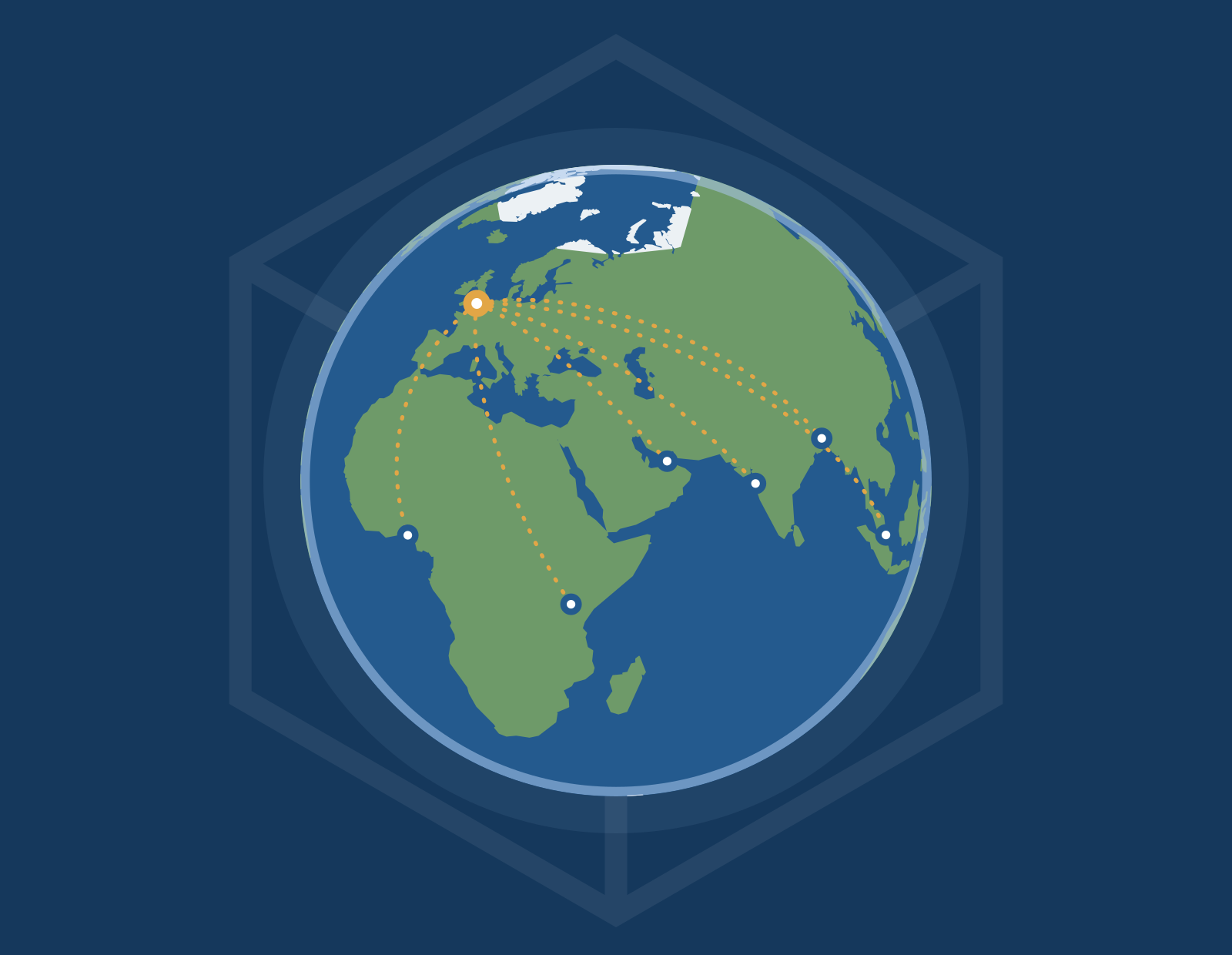
The globe, its gold routes from London and the line cube, drawn in the logo’s own style. Use them as supplied, like the logo.
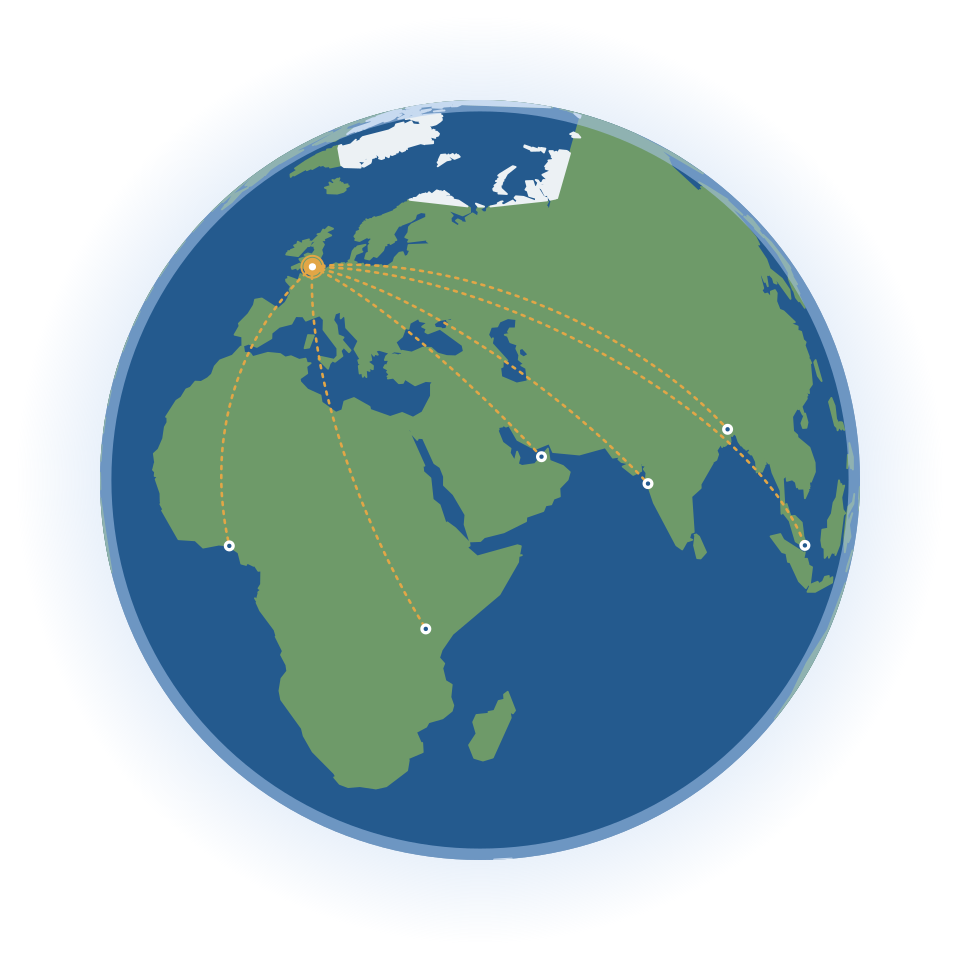
Hero globe
Gold routes from London, one per time of day. On the site the routes flow; the static files keep them still.
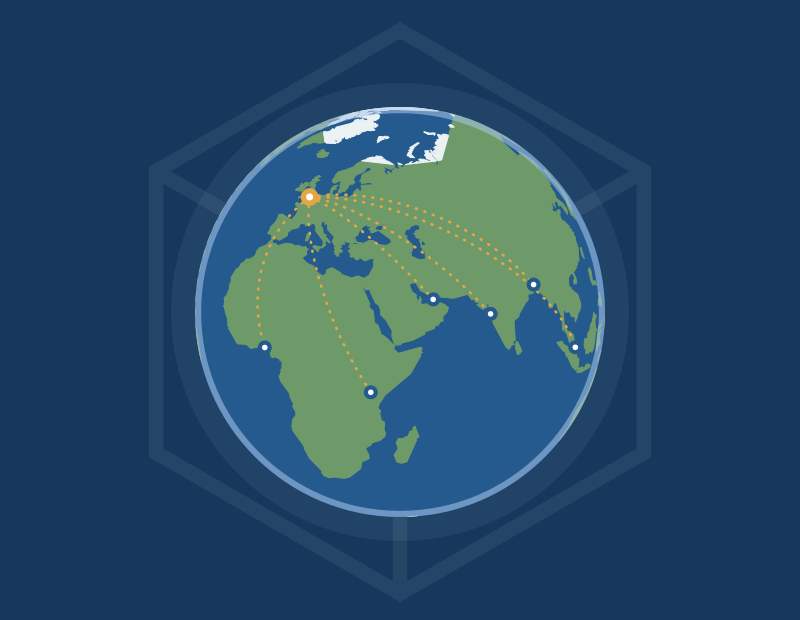
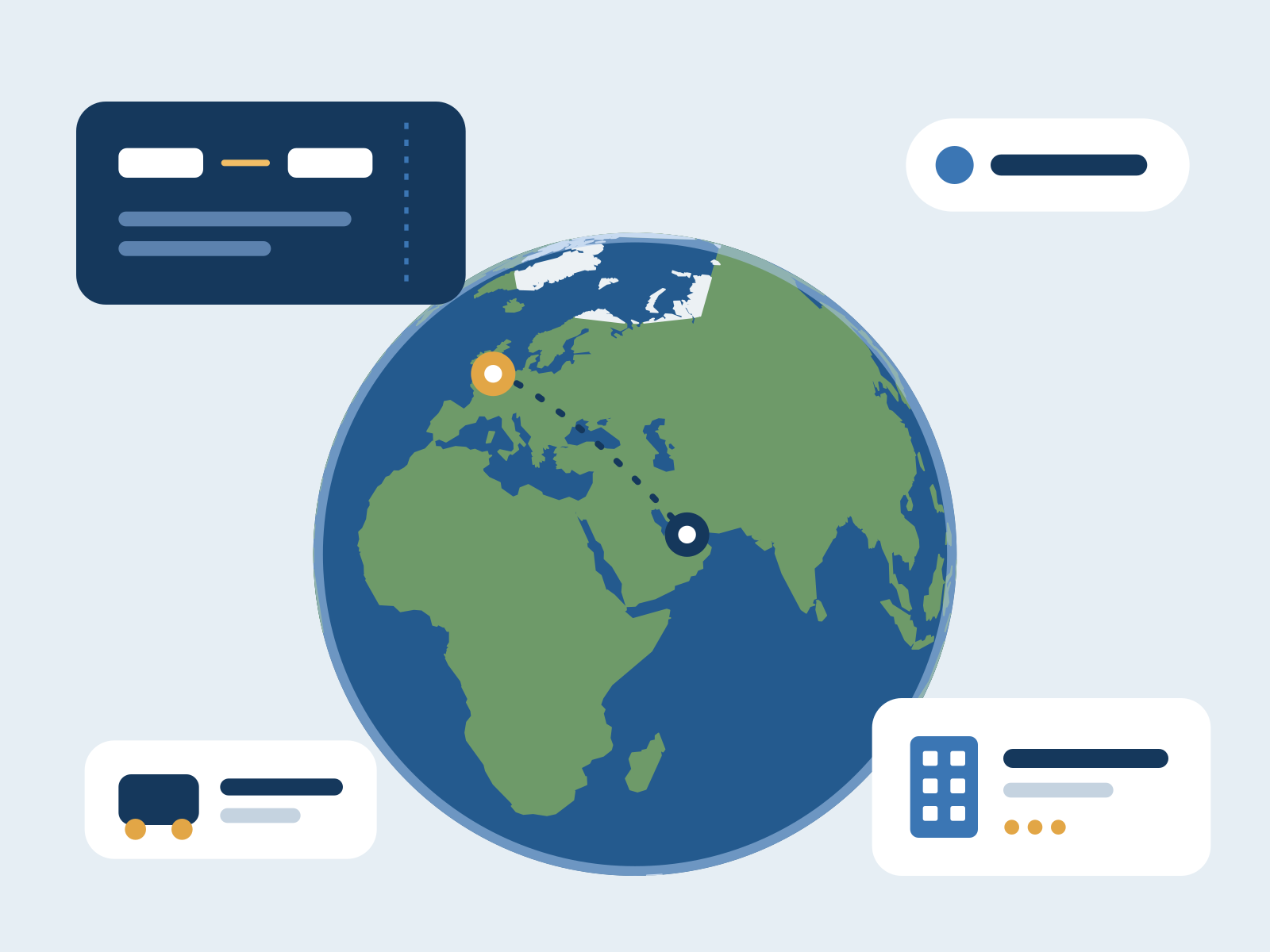
Globe with routes
For calls to action.

Line cube
A watermark drawn from the logo’s cube, in white for dark backgrounds.
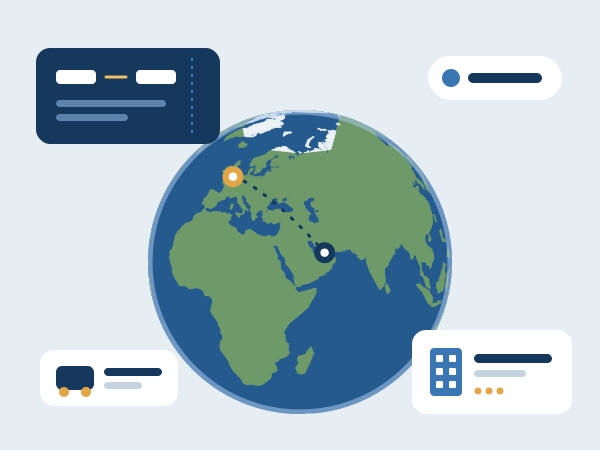
Travel
For travel products and pages.

Education
For colleges, schools and training providers.

Platforms
For business software and platforms.
Templates
Replace the [placeholders], then keep the layout, colours and logo placement as they are.
Print and email
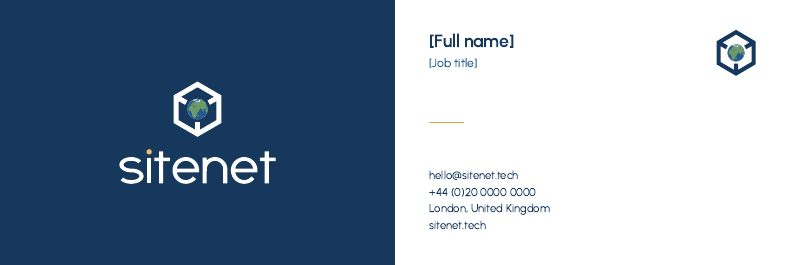
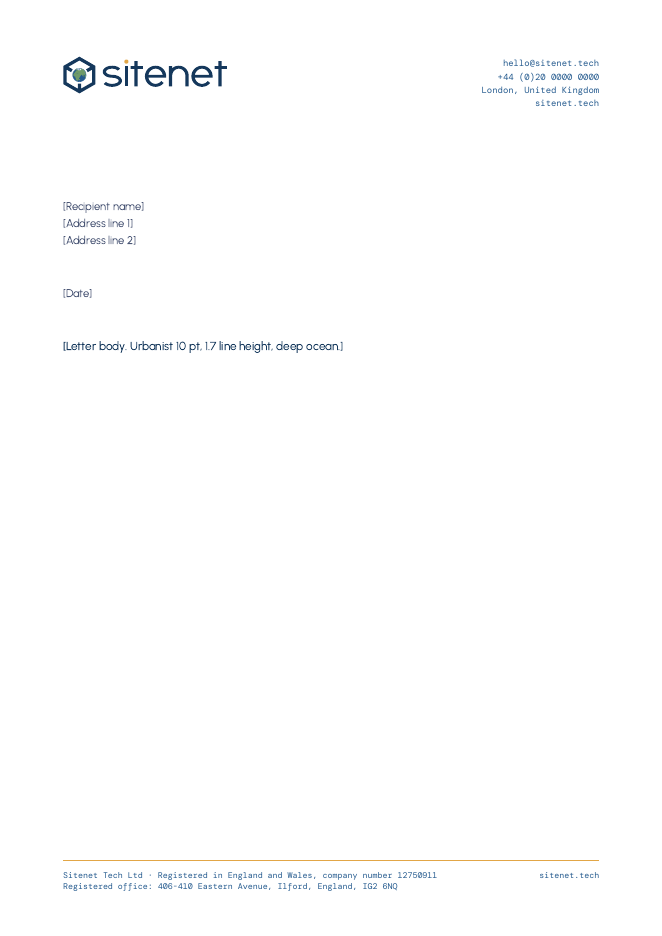

Social media











Co-branding
When Sitenet appears with a partner, both logos share one line: equal visual height, a thin divider, and clear space of x (half the icon’s height) between each logo and the divider.
Partnership
Partner logoOn dark backgrounds, use the reversed logo and a light divider.
Powered by Sitenet
For products we build for clients (booking engines, portals), put this small credit in the footer: the words “Powered by” in DM Mono, then the logo at 120 px or more.
- Sitenet leads on the left when we lead the work.
- Never merge the logos into one shape, recolour either to match, or place the Sitenet icon inside another brand’s mark.
- Get the partner’s own approval for their logo.
Downloads
The brand kit has every file on this page. If you’re unsure which one to use, use the static full-colour SVG on screen and the print PDF in print.
Which file to use
Website, animated
logo/svg/times/…-animated-*.svg with logo/sitenet-logo-time.js
Turns and follows local time
Website default and fallback
logo/svg/sitenet-tech-logo-fullcolour.svg
The static Day logo. Keep it in the HTML.
Dark backgrounds
logo/svg/sitenet-tech-logo-reversed.svg
White lettering
Professional print
logo/print/*-print.pdf
Vector, solid colours, no transparency
One-colour print
logo/print/*-singleink-*.pdf
Embroidery, engraving, stamps
Documents and slides
logo/png/*@2400w.png
High-resolution PNG
Favicon and app icon
logo/png/sitenet-tech-favicon-*, app-icon-*
16 to 48 px, and 180 to 1024 px
Brand questions
Tell us what you’re making and we’ll point you to the right file.
Write to us
Contact formGet help
Customer supportVisit us
London, UK